openDL
openDL is a small terminal download tool that brings my X and Instagram sources into a single interface, with a prompt bar, commands and live progress.
- Year
- 2026
- Category
- Playground
- Status
- Version 0.1
- Role
- Design and development
- Stack
- Python, Textual, gallery-dl
Disclaimer. This page presents a personal project that has never been released. openDL has no connection with other products or projects, even though it borrows their art direction. Learn more
openDL is a small download app that lives in the terminal. It drives gallery-dl [1] and brings together, in a single interface, what I used to do with several scripts: grabbing the media I’ve liked on X and the posts I’ve saved on Instagram.
It’s a Playground project: not a product, more a way of asking myself whether a command-line tool could have the clarity of a real application.
Where it comes from
Originally, I had two tools that had nothing to do with each other.
For X, a small Python script with a numbered menu, able to work out what was new since the last time. For Instagram, a .bat file and a list of URLs that I exported by hand.
It worked, but each source had its own habits, folders and settings. I wanted a single place, with one way to start, interrupt and follow a download.
The interface made me want to go further than a menu: I had OpenCode’s interface [2] in mind, very restrained, built around one large bar where you type your commands. That became the starting point of the project.
What it does
- Two sources: X likes, and Instagram saved posts;
- A prompt bar to control everything:
/dl,/scan,/pause,/history,/cookies,/open… or just paste a URL; - Live progress: posts processed, files, downloaded size, speed, time remaining and output folder;
- A side panel showing the steps done, in progress and still to come;
- A visible history: each command stays on screen with its result, like in a conversation, so it’s easy to retrace what happened;
- A deliberate interruption: you have to press
esctwice, less than five seconds apart, to stop a download. No more accidental presses; - A cookie check before starting, to know right away whether a session has expired.
The interfaces
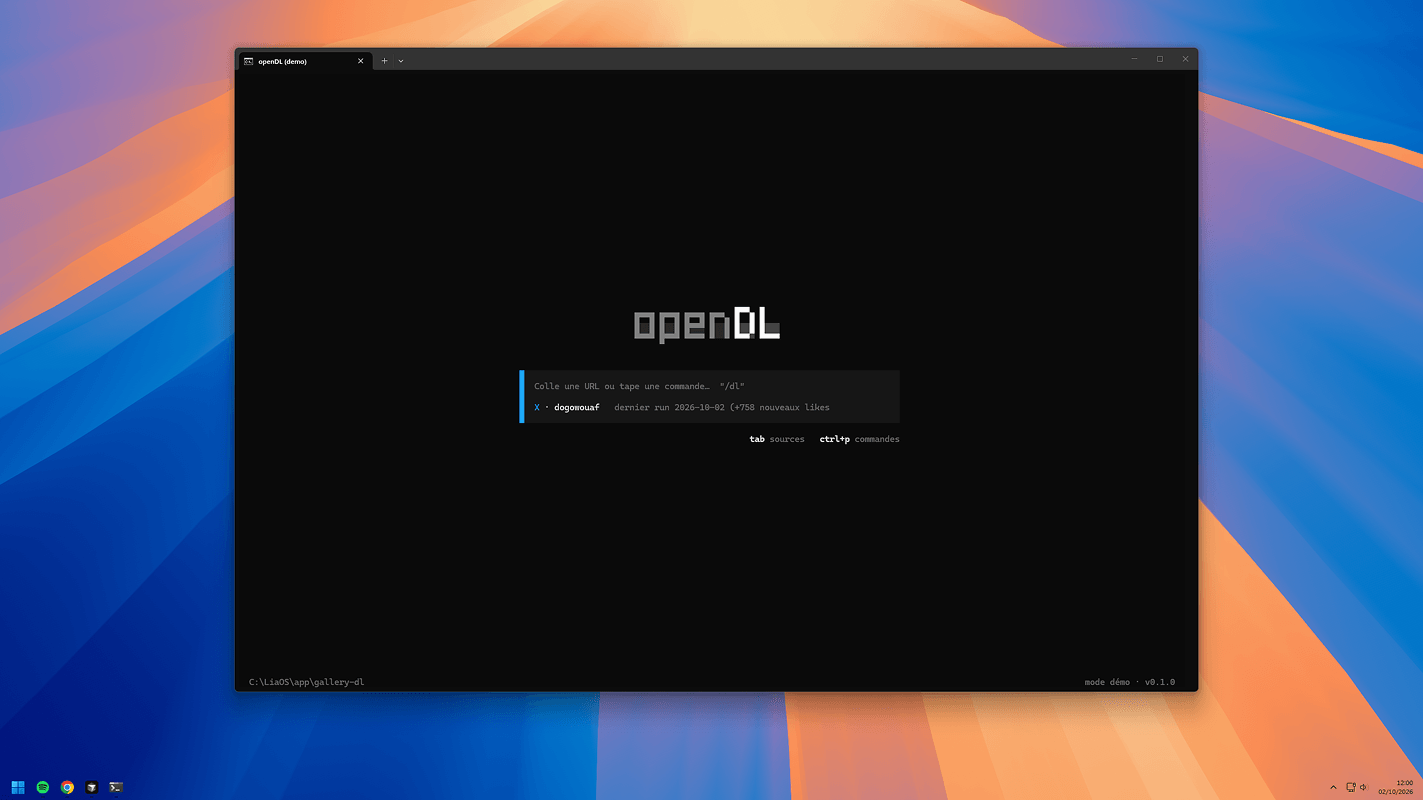
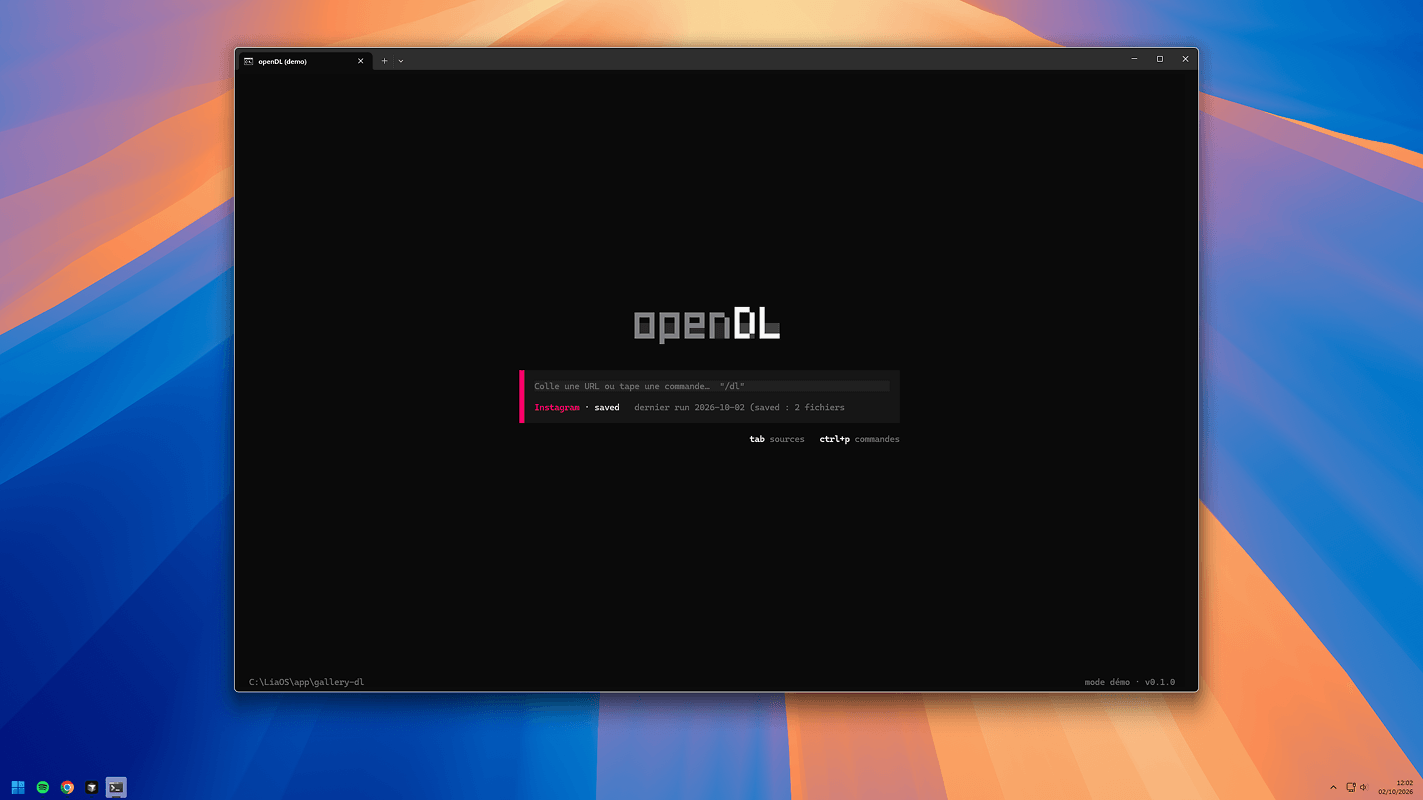
The home screen is deliberately empty: a logo, a prompt bar, and a few shortcuts.
As soon as you type a command, the view switches to the session: the history in the middle, the prompt bar below it, and an information panel on the side.
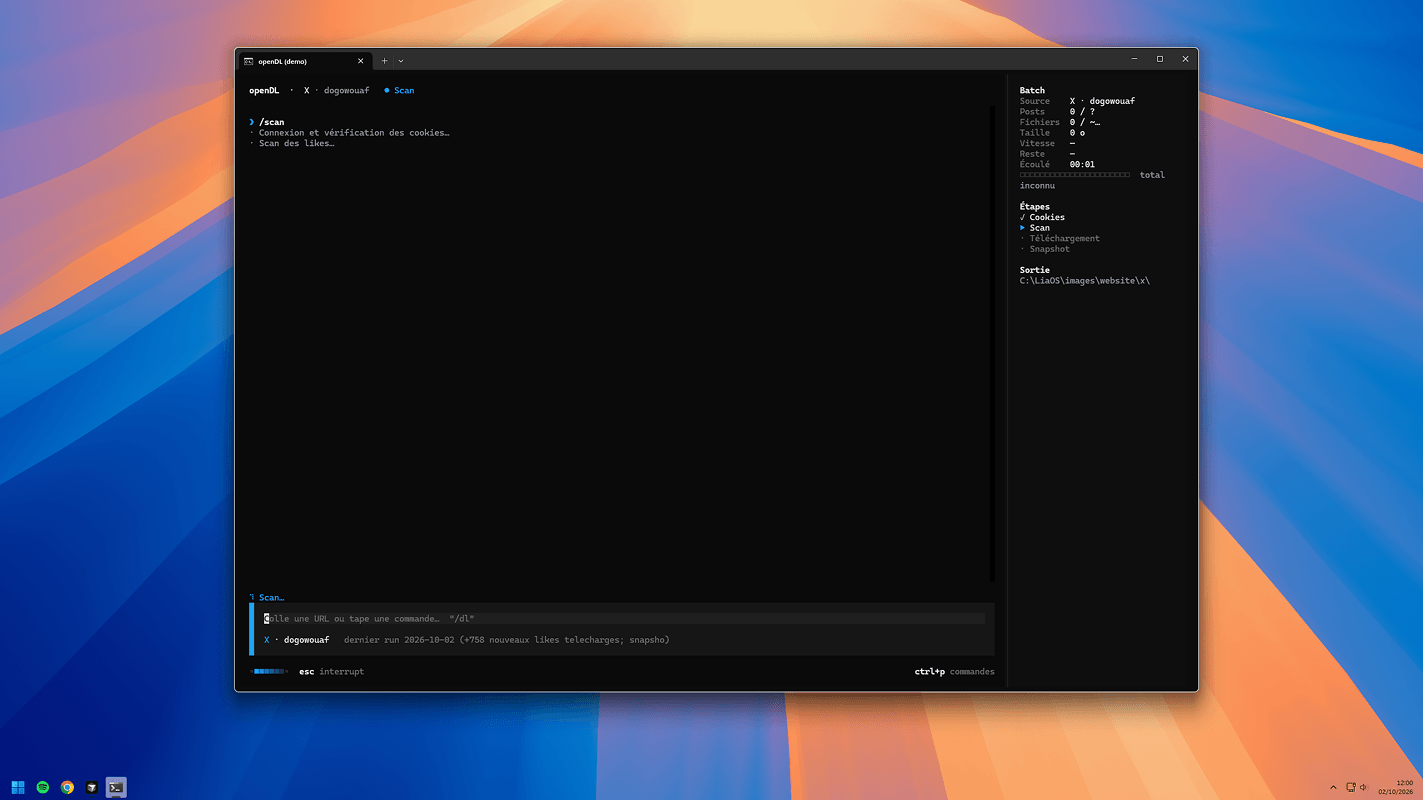
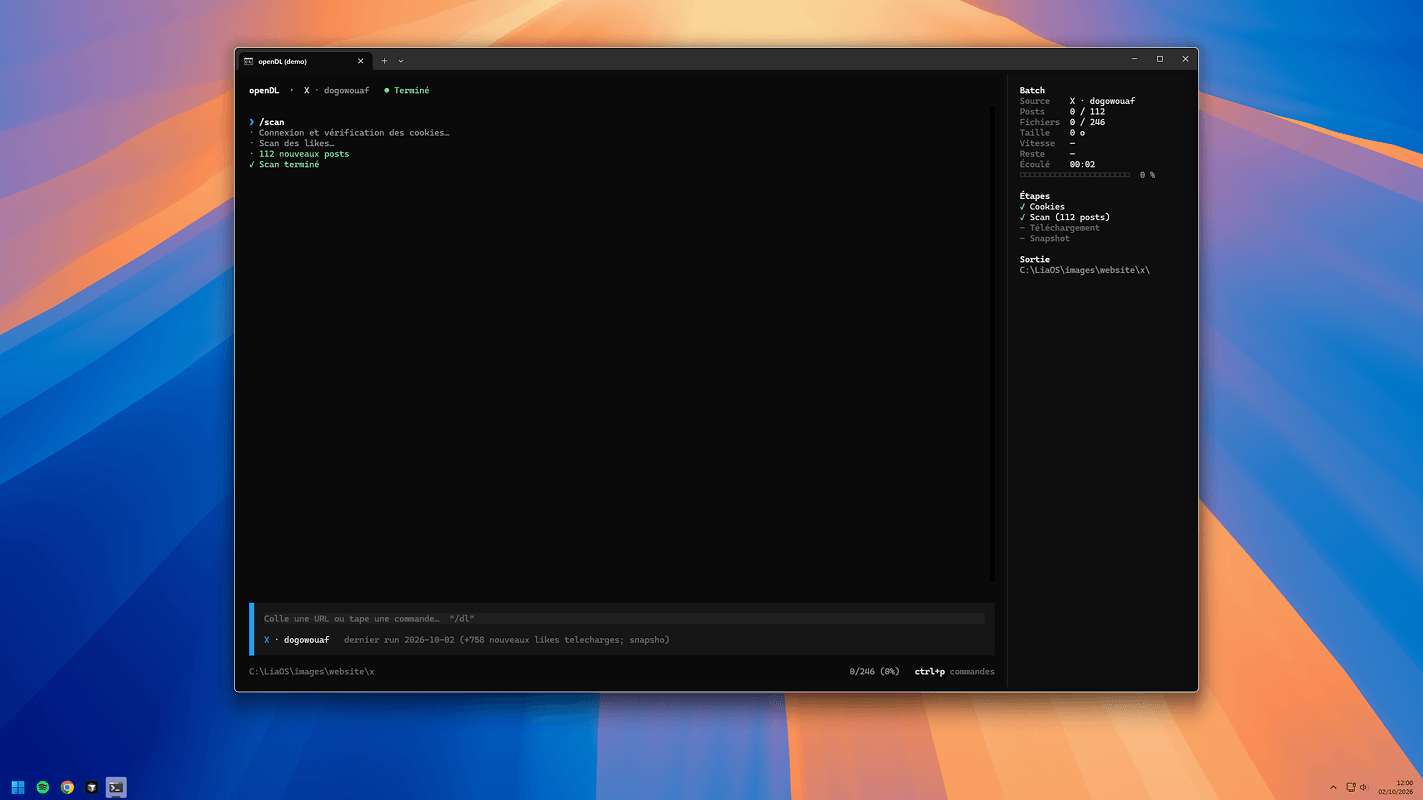
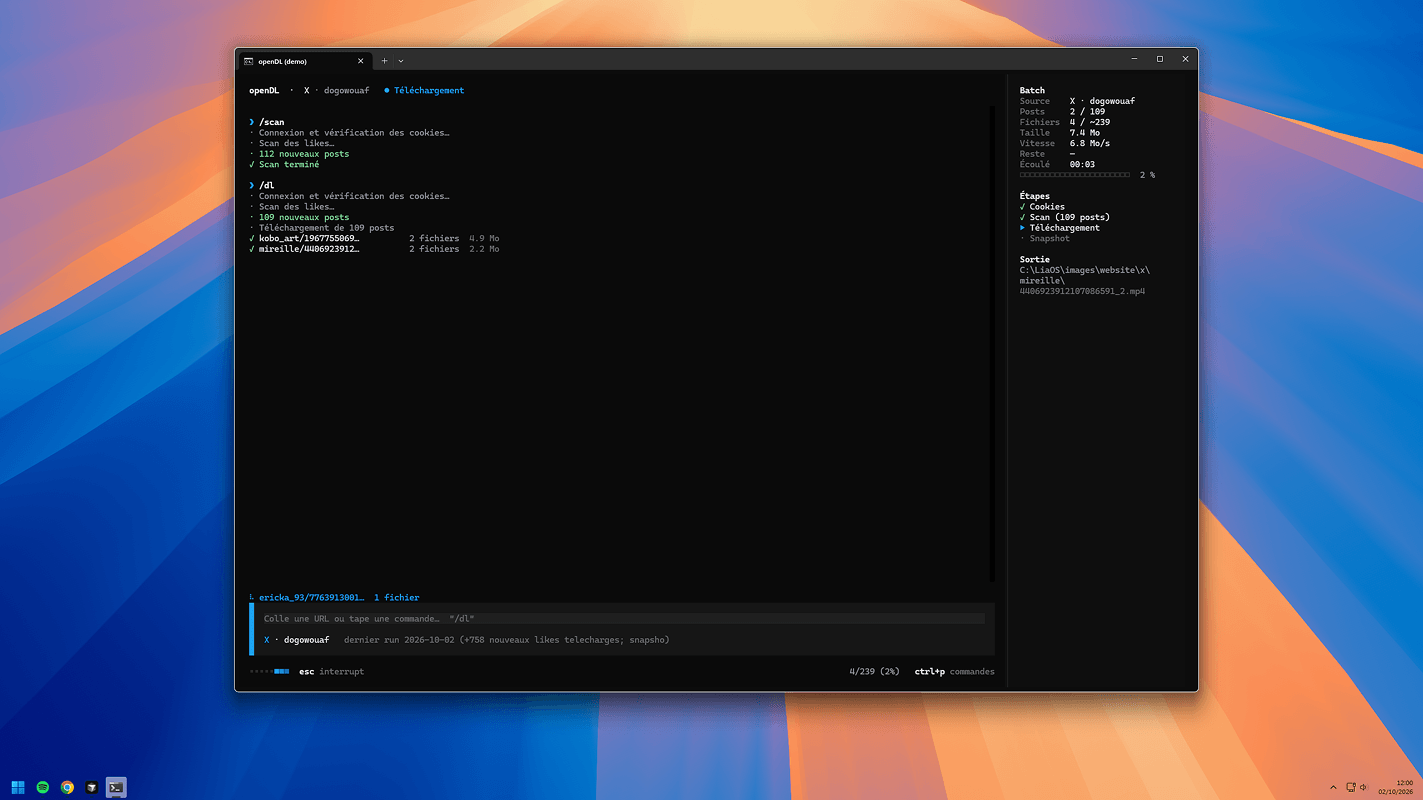
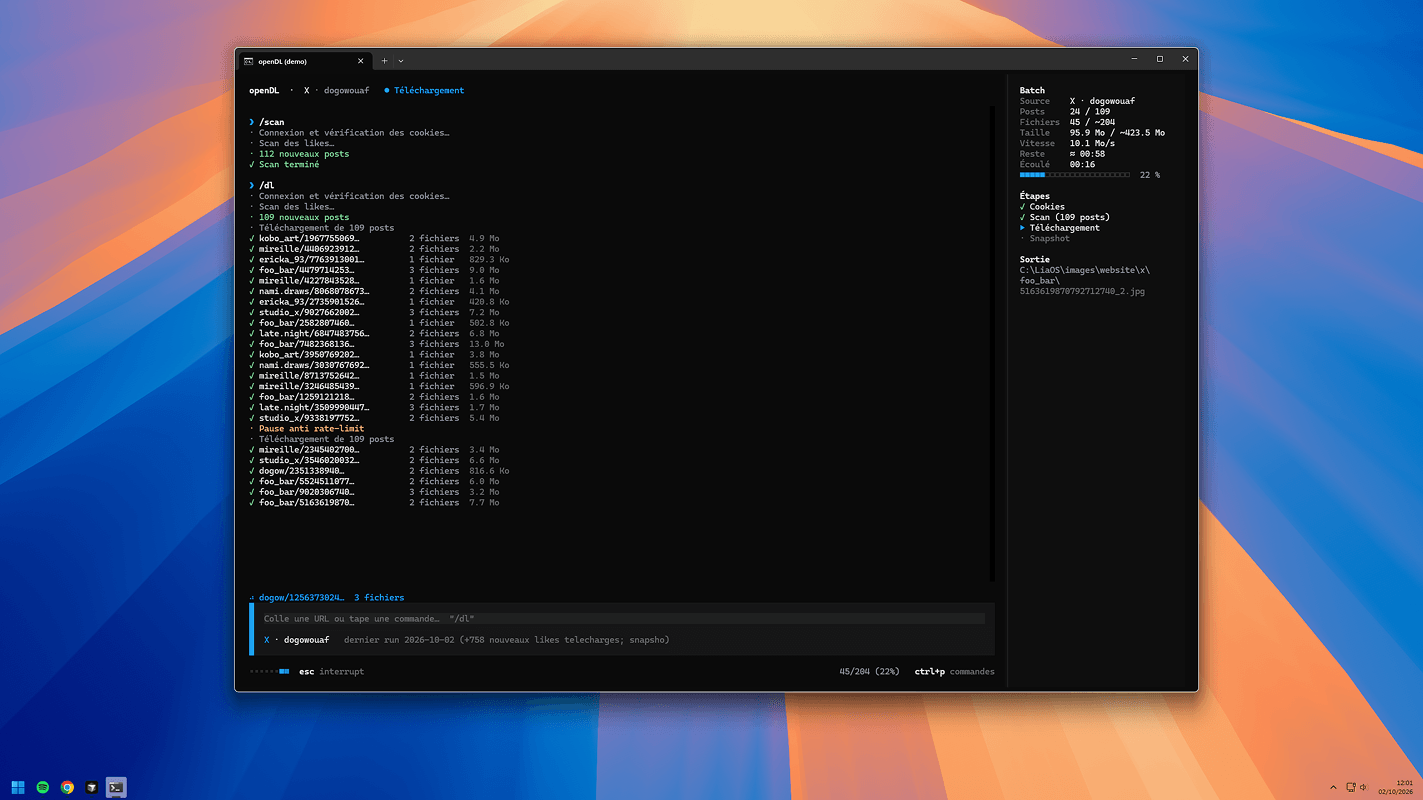
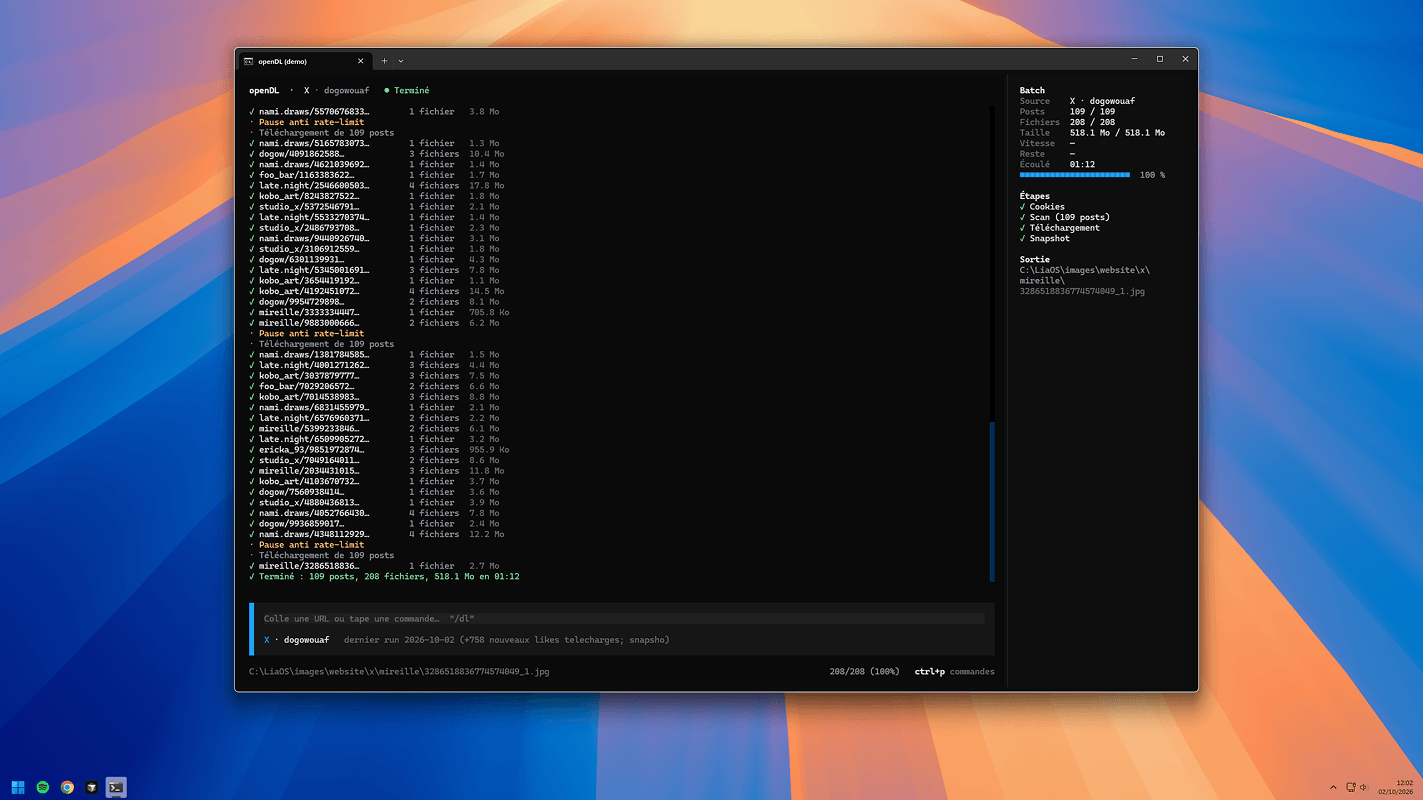
Below the prompt bar, a status line adapts to the situation. At rest, it shows the last file written and the file count (for example 23/234 (10%)). During an operation, it gives way to a small animated indicator, esc interrupt, and the confirmation prompt after a first press.
Each source has its own colour: X’s blue and Instagram’s pink tint the source name, the bar to the left of the prompt and the progress indicator.
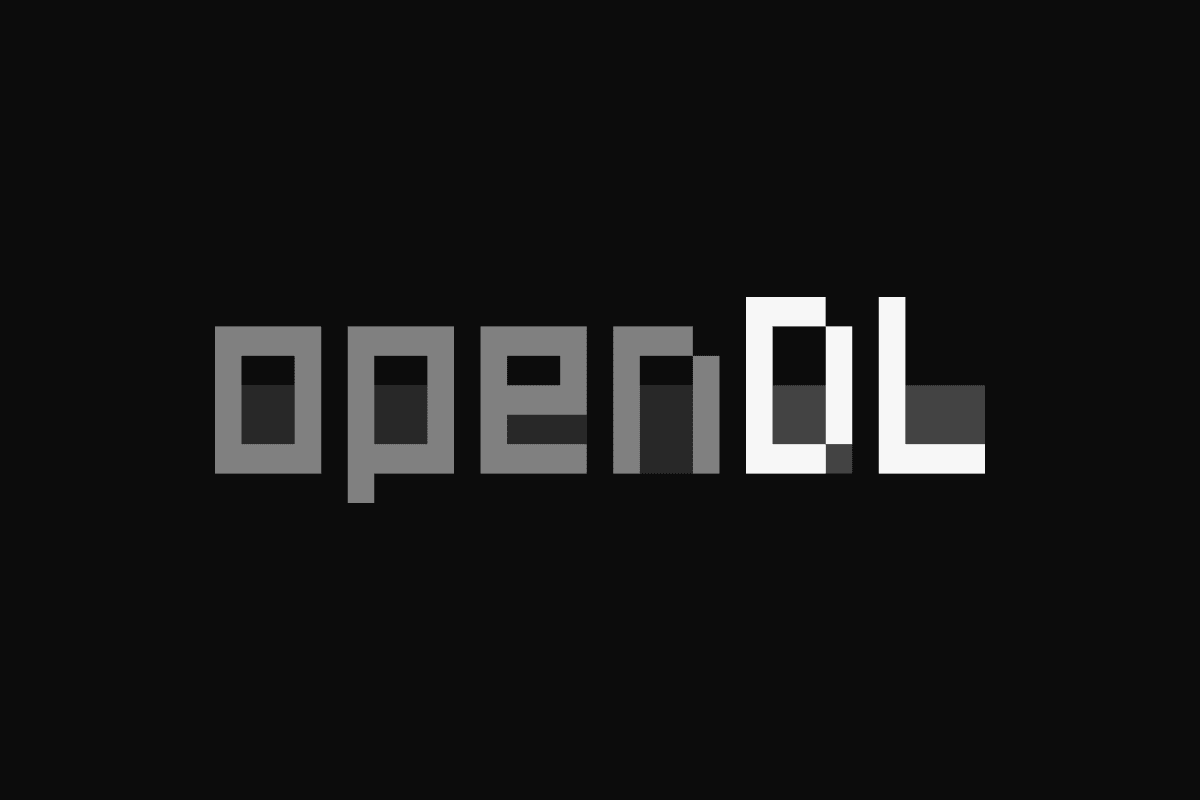
The logo
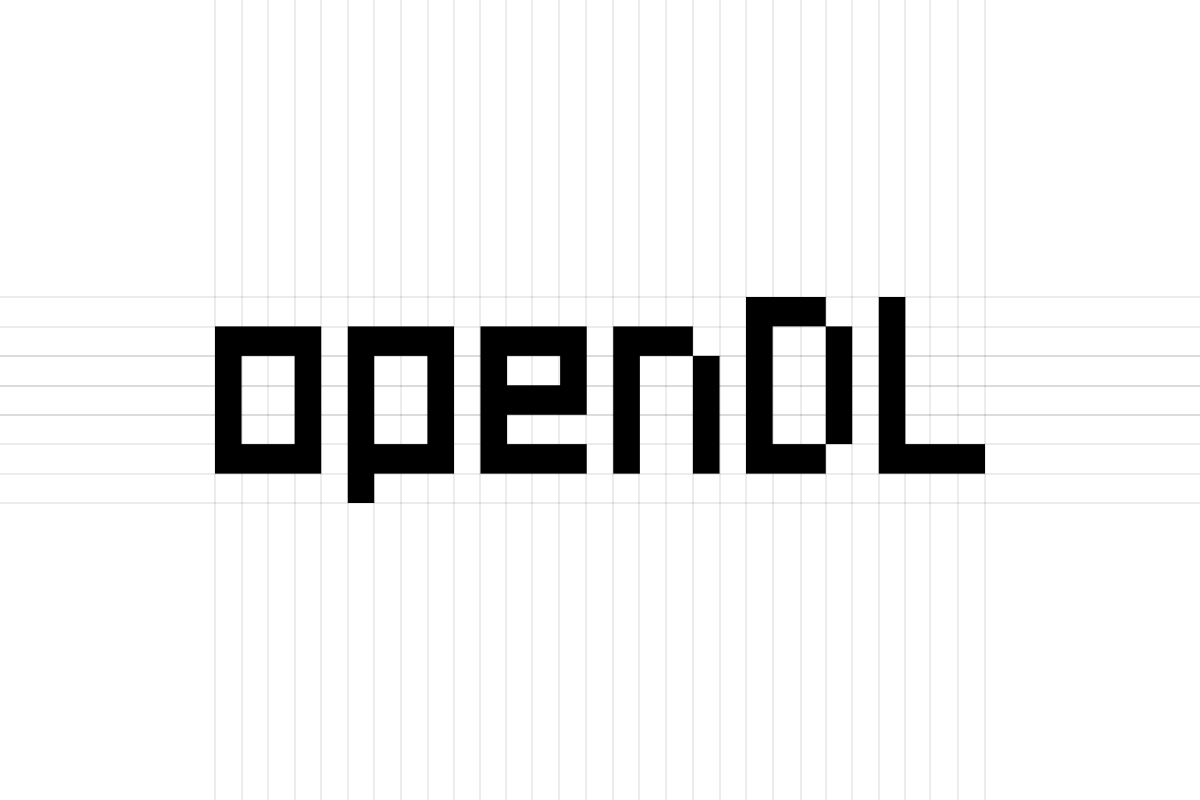
The logo is drawn letter by letter on a grid of 7 rows and 4 columns. The lowercase letters of “open” sit on the same baseline, the “p” drops one row, and “D” and “L” rise one row above.
Each pixel is a half terminal block, which gives roughly square pixels, with two tones per word: one for the strokes, and a darker one to fill the hollows at the bottom of the letters.
How it works
openDL doesn’t download anything itself. gallery-dl remains the engine: the app launches it as a subprocess and follows its progress by reading what it prints, event by event (a post starts, a file is downloaded, a file is skipped because it already exists).
One detail cost me a bit of time: gallery-dl’s --print option does display these events, but turns downloading off. You have to use --Print, with a capital P, to get both.
The method depends on the source.
- X: a copy of the last 32 known likes serves as a landmark. The app walks the timeline without downloading anything until it finds that landmark, counts what’s new, then downloads only those;
- Instagram: gallery-dl stops after ten already-archived files in a row, which amounts to taking only what’s new without knowing the total in advance.
Folders, cookies and archives all come from gallery-dl’s configuration. openDL reads it but has no configuration of its own: a single place to edit, whether or not I use the interface.
Pause simply suspends the gallery-dl process, and cancelling closes it cleanly without touching the archive: the next time, everything picks up where it left off.
A detour through likes
I first thought I’d download my Instagram likes, as on X. But gallery-dl has no extractor for that: only for saved posts. My list of liked URLs, for its part, had to be kept up to date by hand.
The saved feed works directly with my cookie session, with no list to maintain. So I changed target rather than tinker around it.
And Lia?
My first idea was to bring Lia into the interface, in ASCII, with expressions depending on the state: a wink when nothing’s new, stars in her eyes when there’s something new, spirals when an error occurs.
Converting her 40 faces to braille worked, and the result was recognisable. But in this interface, it didn’t look as good as I’d hoped.
So I took her out. The code that generates her faces stays in the project, in case she finds a better place to come back to.
Stack
- Python for the whole application;
- Textual for the terminal interface (layout, screens, input) and Rich for coloured text [3];
- gallery-dl as the download engine;
- asyncio to launch gallery-dl as a subprocess and read its output without blocking the interface;
- Node.js and sharp for converting Lia to braille (now archived).
Limits and what’s next
openDL is at its first version. It has a demo mode to work on the interface without downloading anything; with the real engine, it only handles my two sources for now.
For Instagram, the total isn’t known in advance, so the progress bar is less precise than on X. And gallery-dl reports that yt-dlp is missing, which doesn’t block anything for now.
What’s next: more sources and clearer error messages.
Disclaimer
openDL is not affiliated with, endorsed by or sponsored by OpenCode or Anomaly.
It also has nothing to do with openDL, another project with the same name. Here, “openDL” simply means open and DL (download). Since this is a personal project, I haven’t changed the name.
I borrowed OpenCode’s art direction (the logo, the interface) because it felt right for openDL, and because I really like what comes across in their products and their UI/UX.
Downloading media from sources such as X, Instagram, and those planned for later, stays strictly private: personal use, no distribution, and the rights remain with their authors. That is also why openDL will never be released: so as not to provide a ready-made tool for mass-downloading media.
The data visible in the screenshots is fictional. Any resemblance to real names or situations would be coincidental.
- gallery-dl, the downloader openDL is built on
- OpenCode, the interface I used as a reference (a project unrelated to openDL)
- Textual, the terminal interface framework


